
Helm
〰️
Studio C
〰️
Helm 〰️ Studio C 〰️
Getting Started
Powering Up
First, power up the left hand side Furman power conditioner, second power up the right hand side power conditioner labeled ‘speakers’. Make sure you don’t turn on the right hand conditioner before the left! The right hand conditioner just powers the speakers so this will avoid any loud pops that can damage the speakers.
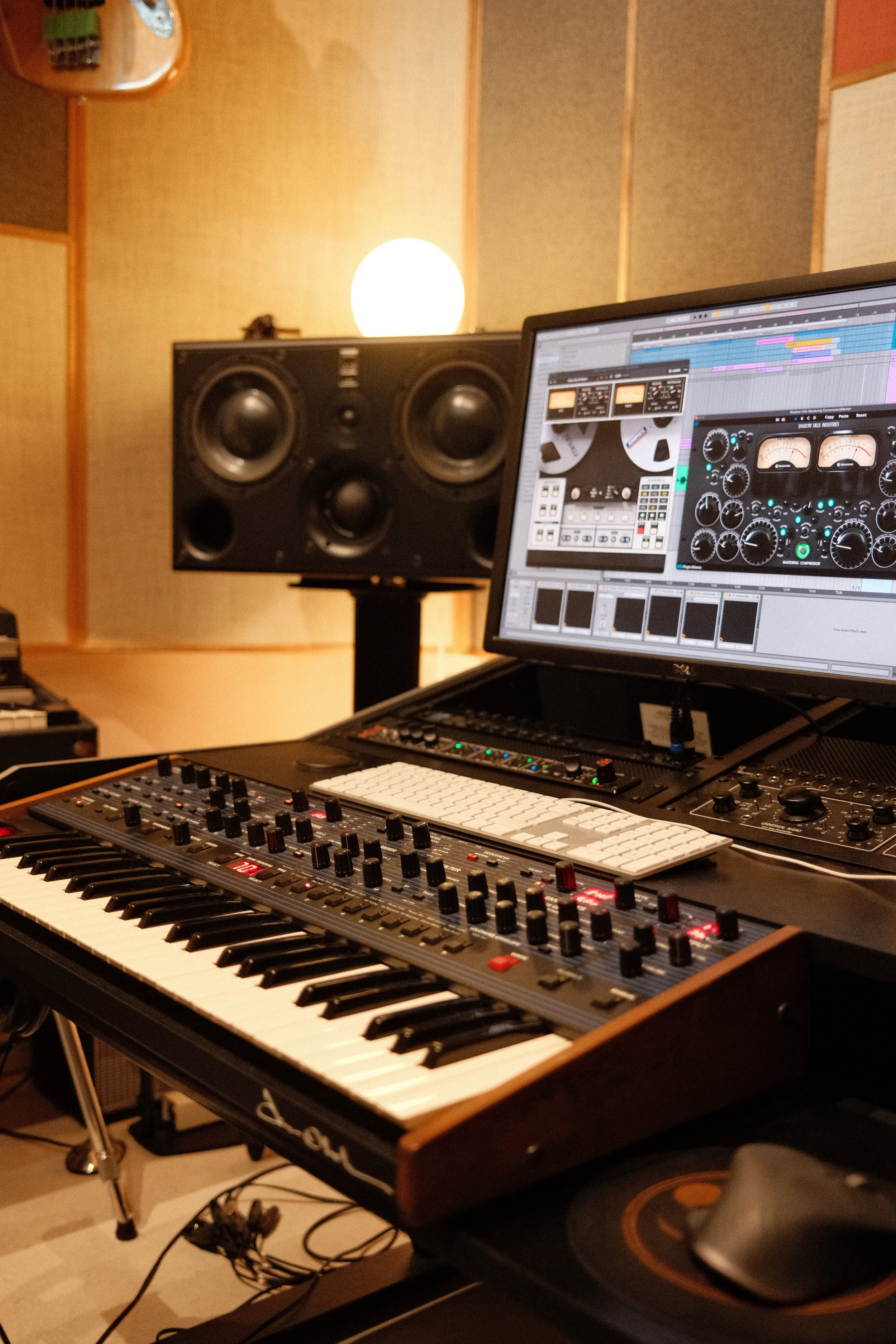
You can now connect your computer via the thunderbolt 4 cable on the right hand side of the desk. This will also power your laptop (up to 98W) so no need to bring an external power adapter.
There are some additional softer lights which can be remotely turned on and off via the white remote that is near the mouse.
Power for the pedal power supply and the OTO BAM is located on the outlets under the Rhodes.
Power for the Moog Sub37 and Fender amp is on the outlets to the right of the Rhodes.
Connections & Routing
The audio interface is a Metric Halo ULN-8 which runs over ethernet via it’s own MHLink protocol. It has 8 channels of A/D conversion all of which can be mic or line. The ULN-8 requires you to download the MIO Console3D software which handles all of the digital routing and processing.
Mic pres are accessable via the 8 channel XLR snake on the left of the desk. The 8 Line inputs are accessible via 1-8 on row B of the patchbay. Please note that there are some normalled connections like the Oberheim OB-6, UA LA-610 and OTO Bam on the patchbay so you don’t to patch anything to access them.